How it works
Six steps, every day
The same loop runs on the phone in a dockhand's pocket and in the browser at the office, on the same marina records.
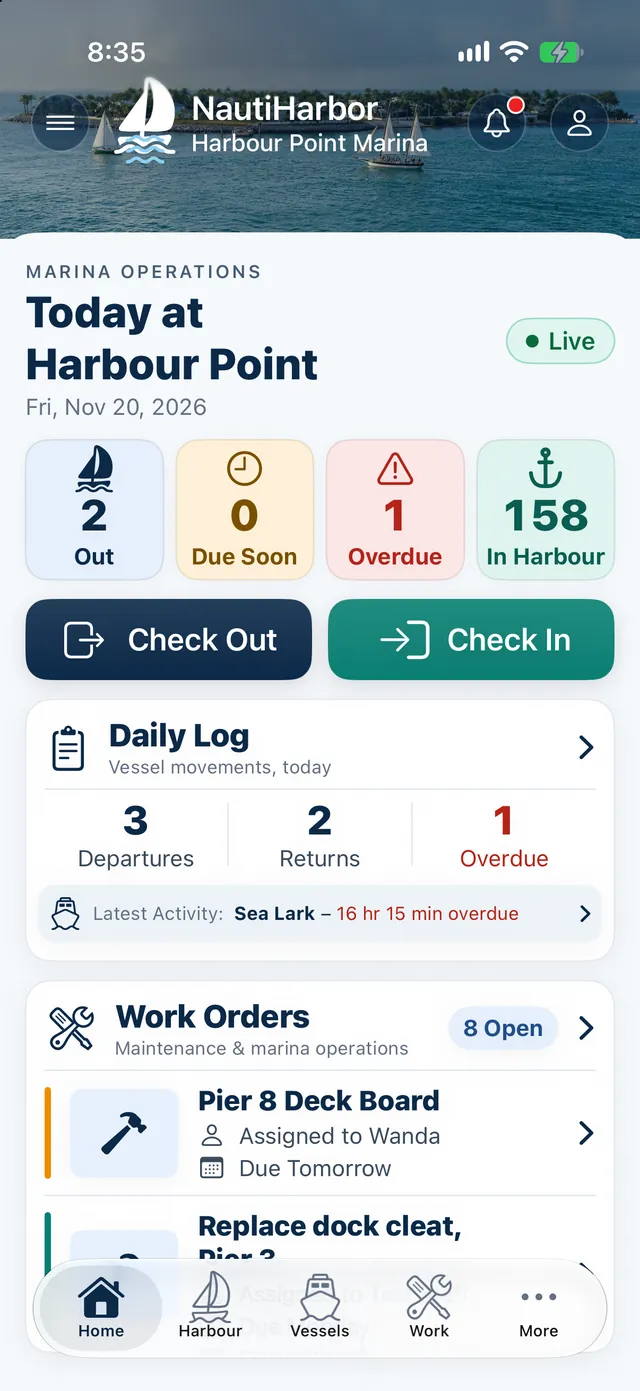
Monitor
Watch live harbour activity and every vessel's status from one dashboard.
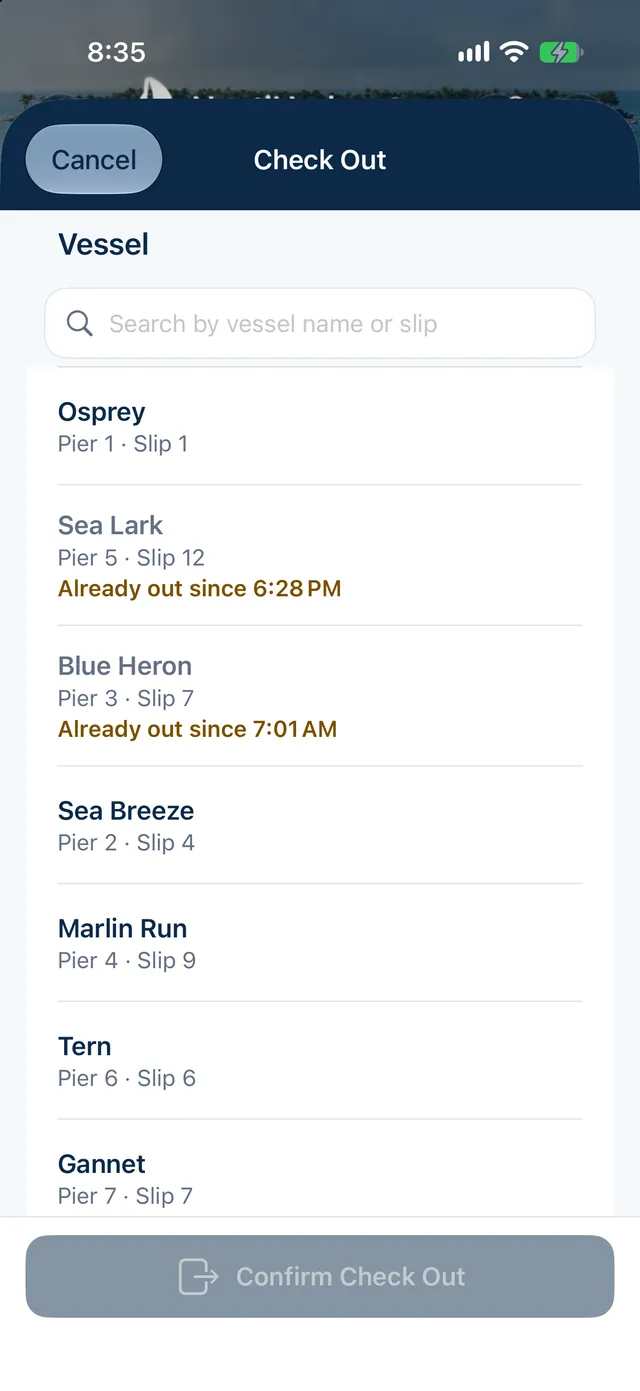
Depart
Record a departure in a few taps, with destination and expected return.
At lock marinas this is Lock Out.
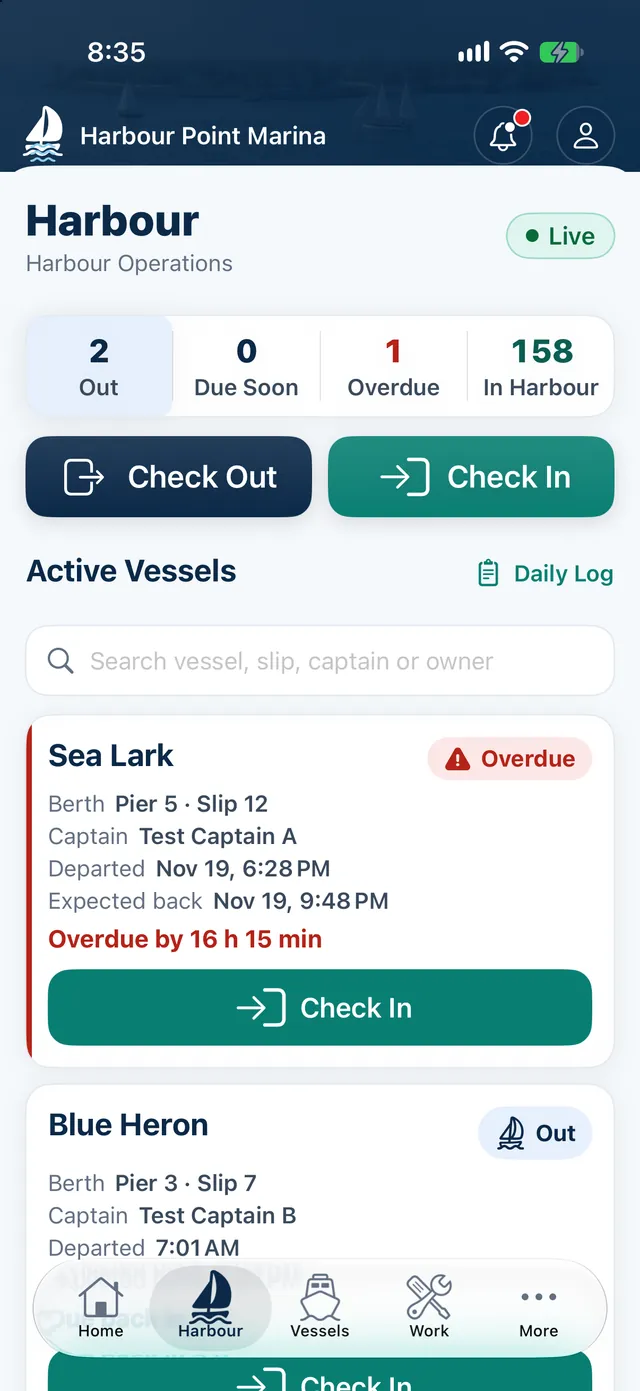
Track
Follow expected returns. Due soon, Past ETA and Overdue vessels rise to the top.
Return
Record the return when the vessel is back, so the board is always true.
At lock marinas this is Lock In.
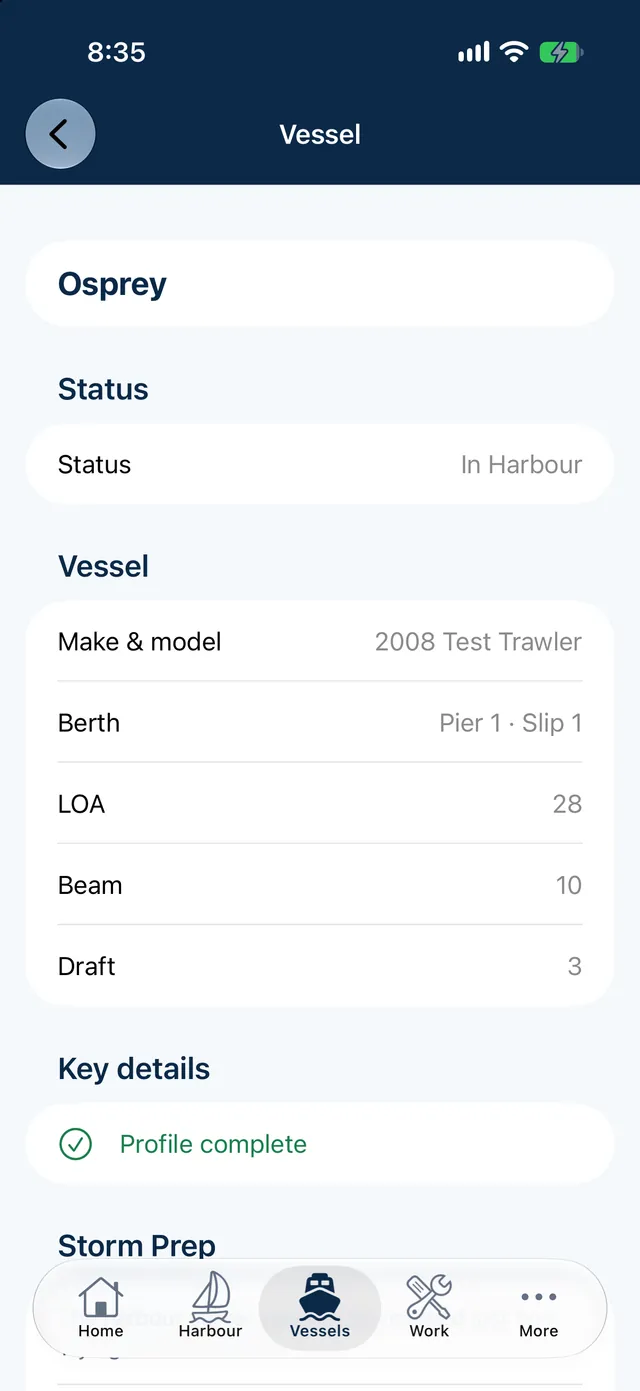
Manage
Keep vessel profiles, work orders and papers up to date in the same system.
Report
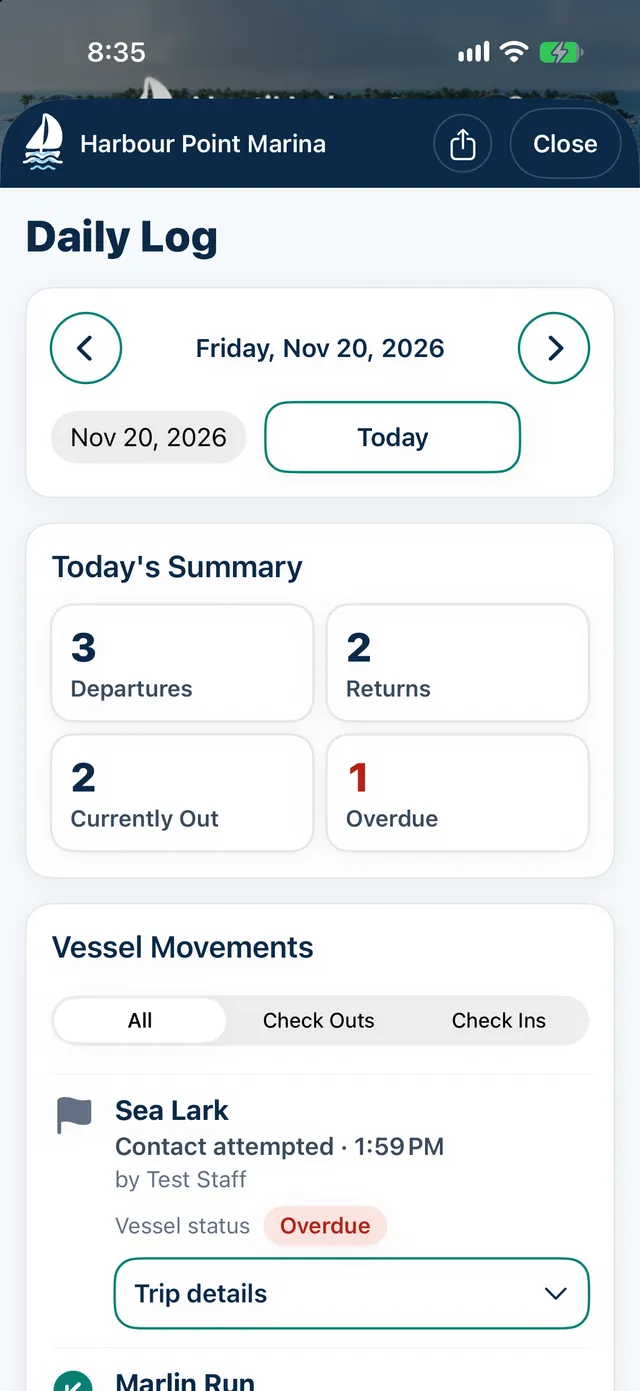
Review the daily log, month and year totals and the history behind them.
Ready to try the loop?
Request a demo and we will show it with your own marina's routine.